
Organise your revision
Save any tricky question to your personal bank and pull it straight back up when it's time to revise.
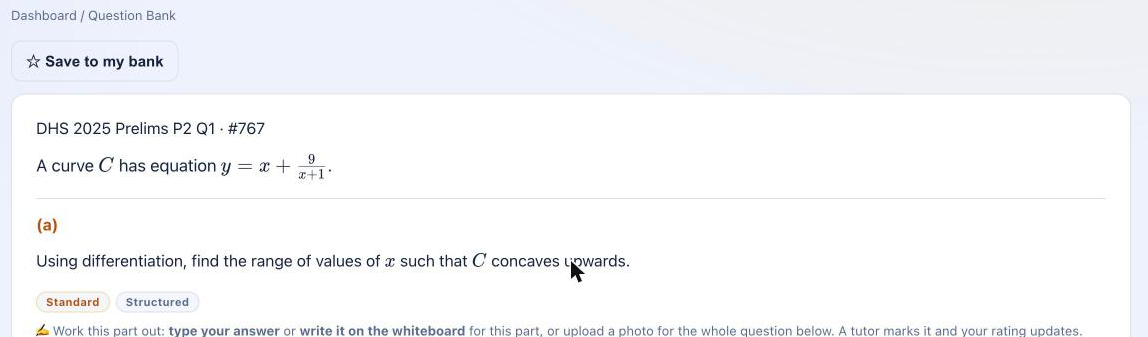
Some questions are worth coming back to. Tap Save on any question and it goes into your personal bank — no copying it out, no losing track of which paper it came from.
When you're revising, everything you saved is waiting for you, grouped by subject and chapter, one click away from a fresh attempt.
Organise your revision, in practice
See it for yourself
Subscribe to the subjects you need and use it on your own work. Cancel any time.
More of what the platform does
Learn from every mistake
The moment you submit, the full worked solution appears — so the moment of confusion becomes the moment you learn.
See how it works →Progress you can feel
Five named mastery levels and first-try accuracy over time — so you always know where you stand and what to aim for next.
See how it works →Built for parents too
A parent account gives you a clear, read-only view of exactly how your child is doing — subject by subject, chapter by chapter.
See how it works →